A vectorization and embroidery engine, not just a converter
Five levels of detail for vectors, real machine files for seven embroidery machine families — satin stitching for fine details, Madeira threads and a technical worksheet with every stitch-out. Every visual on this page was produced by the engine — not a mockup.
- Studio-quality vectors
- Stitch simulation
- 11 output formats
- 7 machine formats
- ~350 Madeira threads
From pixel to path, no compromise
One engine for all five levels. The delivered file is a studio-quality SVG — clean Bézier curves, native shapes, light and editable — never an approximate vectorization.
Five editorial levels
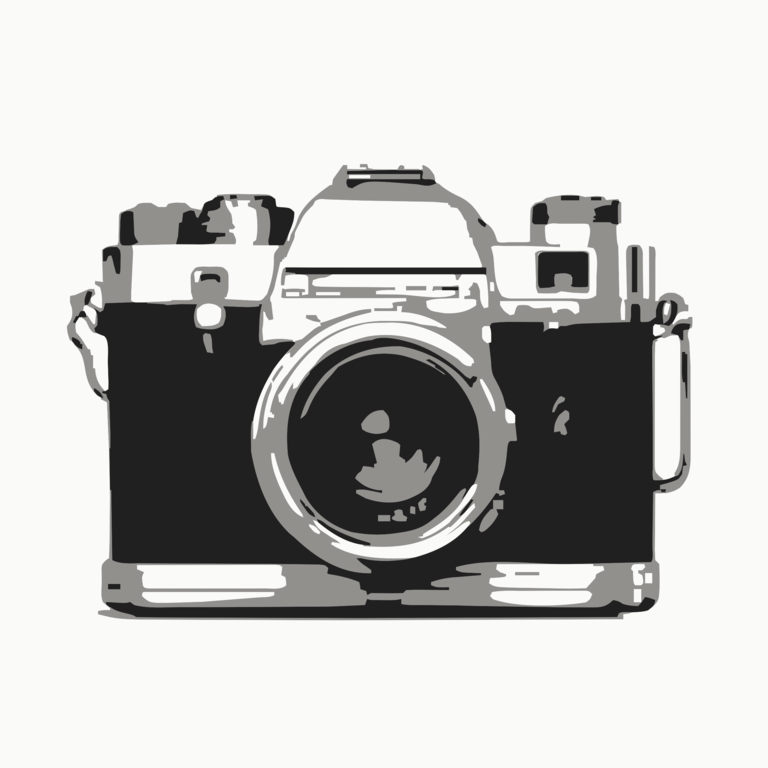
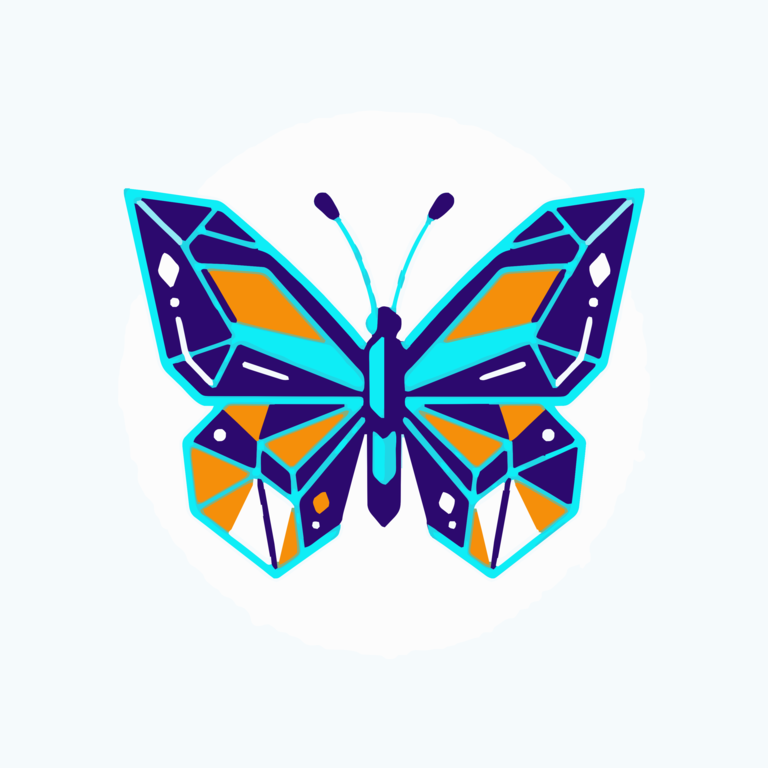
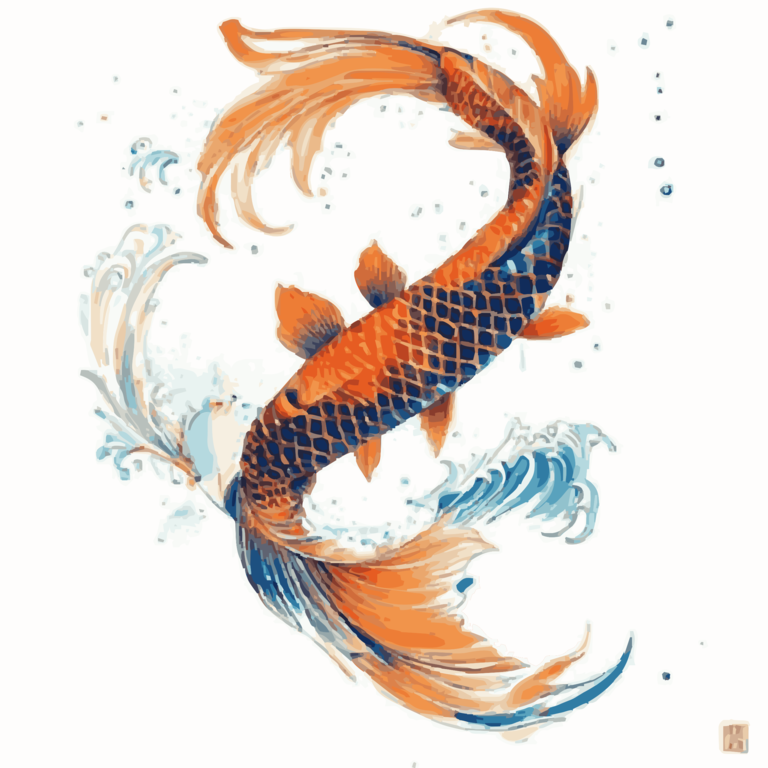
From Faithful (up to 65 colors on a photo) to Minimalist (a few flat areas), each level has a distinct personality — and the SVG stays editable in every case.
- Faithful — the subject's full chromatic richness
- Balanced — the default sweet spot
- Clean, Designer, Minimalist — increasingly bold flat areas
The right color count, automatically
Color count is not a setting: it is detected per image. A logo won't get a photo's palette — and you can always override it.
- The image's richness determines the palette, automatically
- Colors faithful to what the eye perceives
- The color count stays adjustable on demand
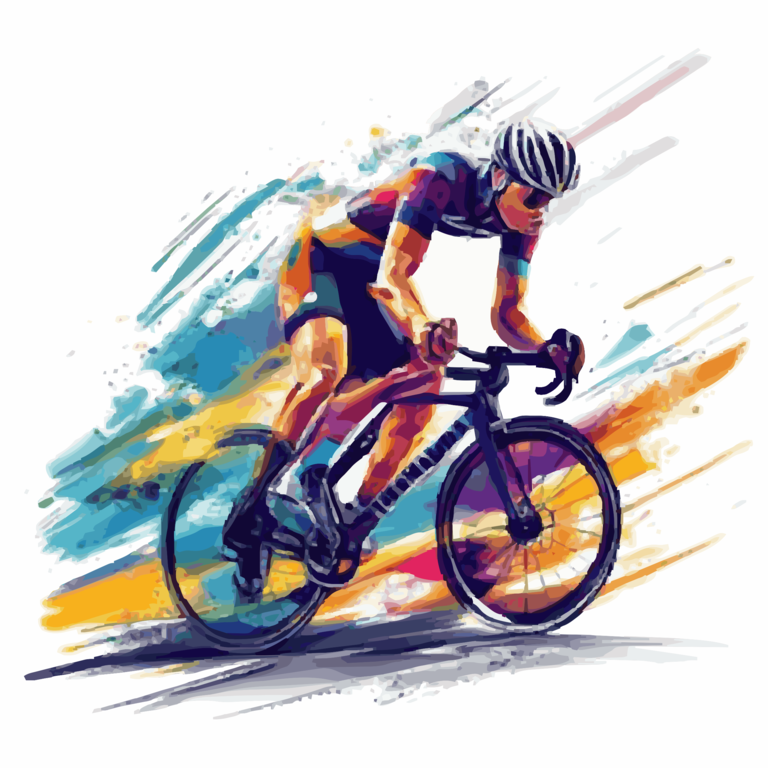
Automatic upscaling of pixelated images
A 200 px image makes a scratchy SVG? Brode detects low-resolution sources with fine detail and upscales them before vectorizing.
- Automatic detection of fine-detail low-res images
- Upscaled before vectorizing, with no visible interpolation blur
- Automatic, off, or forced — your choice
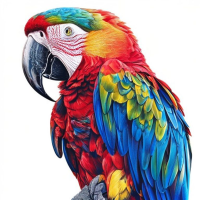
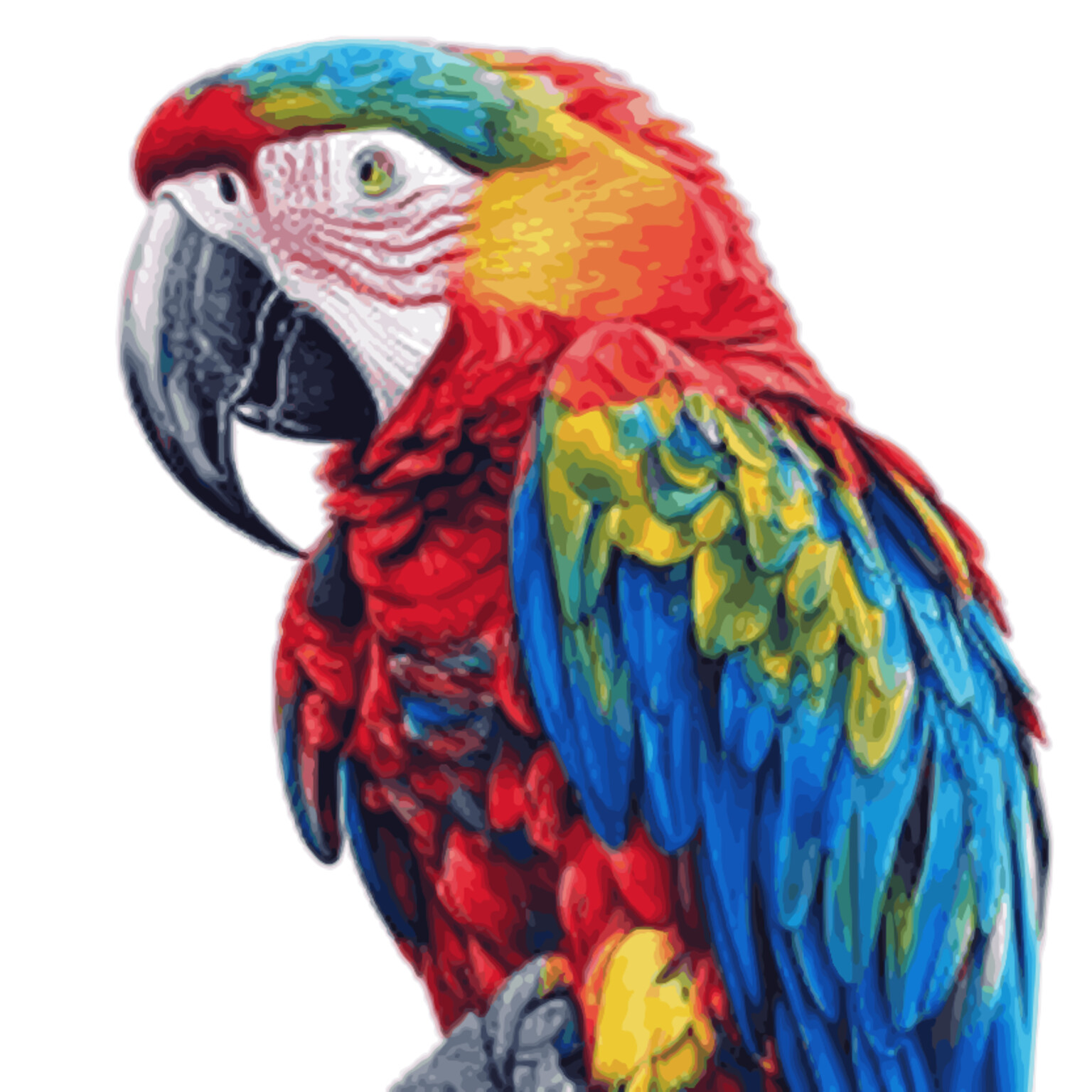
Clean background and canonical shapes
The background is detected and removed (or replaced) before vectorization, and pure geometric shapes become native circles and rectangles — not clouds of control points.
- Background removal or replacement
- Circles and rectangles recognized as true editable shapes
- Noise and small flaws smoothed according to the chosen level of detail
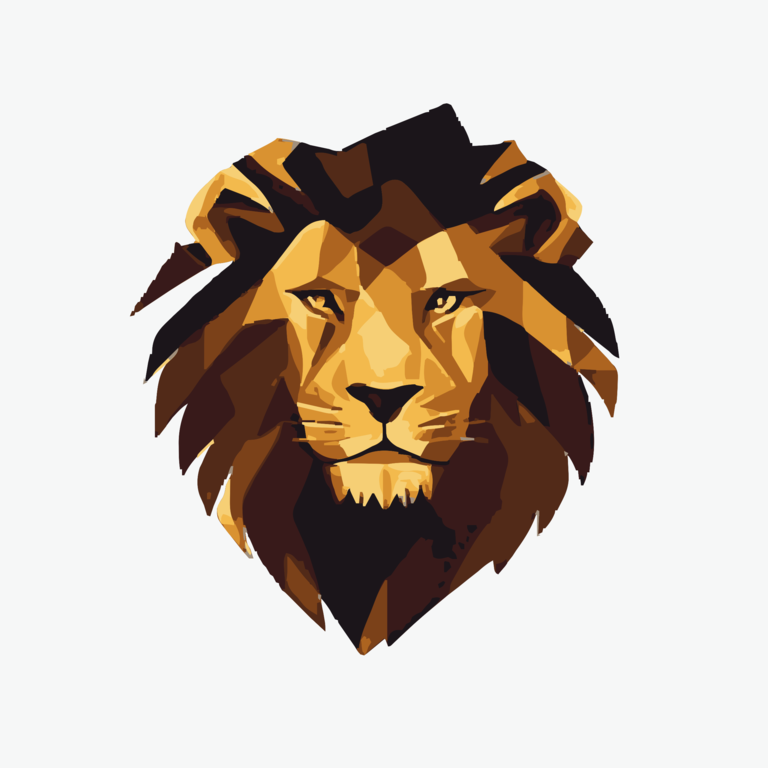
Crisp edges, light paths
Nearly-straight segments are straightened and edges aligned to the axes: crisp outlines, made for logos and cutting. And every curve is described with a minimum of control points — the file stays light and smooth to edit.
- Nearly-straight segments straightened, edges aligned to the axes
- Adjustable from light to maximum — built for logos, signage, cutting
- A minimum of control points per curve: a light, fluid file
A machine file that's truly ready to stitch
Brode doesn't export "a file that looks like embroidery": it writes the actual needle path, with real threads, holes and trims.
Stitch simulation
Before you even approach your machine, watch your embroidery stitch itself point by point: every thread is laid down in the exact order the machine will follow.
- Adjustable playback speed — thread by thread, or in one go
- Free zoom and pan to inspect every detail
- The final render shows the true look of the threads, as on fabric
Skull & roses · 74,815 stitches, 11 threads — try it for real: scrub the timeline, step thread by thread, zoom in. This is the actual simulator, not a video.
Madeira Polyneon threads
Every color in the design is matched to the Madeira Polyneon palette: you stitch with off-the-shelf spools, catalog number included.
- ~350 references from the Polyneon range
- Near-identical hues merged: no spool bought for nothing
- Exact colors in VP3, nearest machine thread in PES and JEF
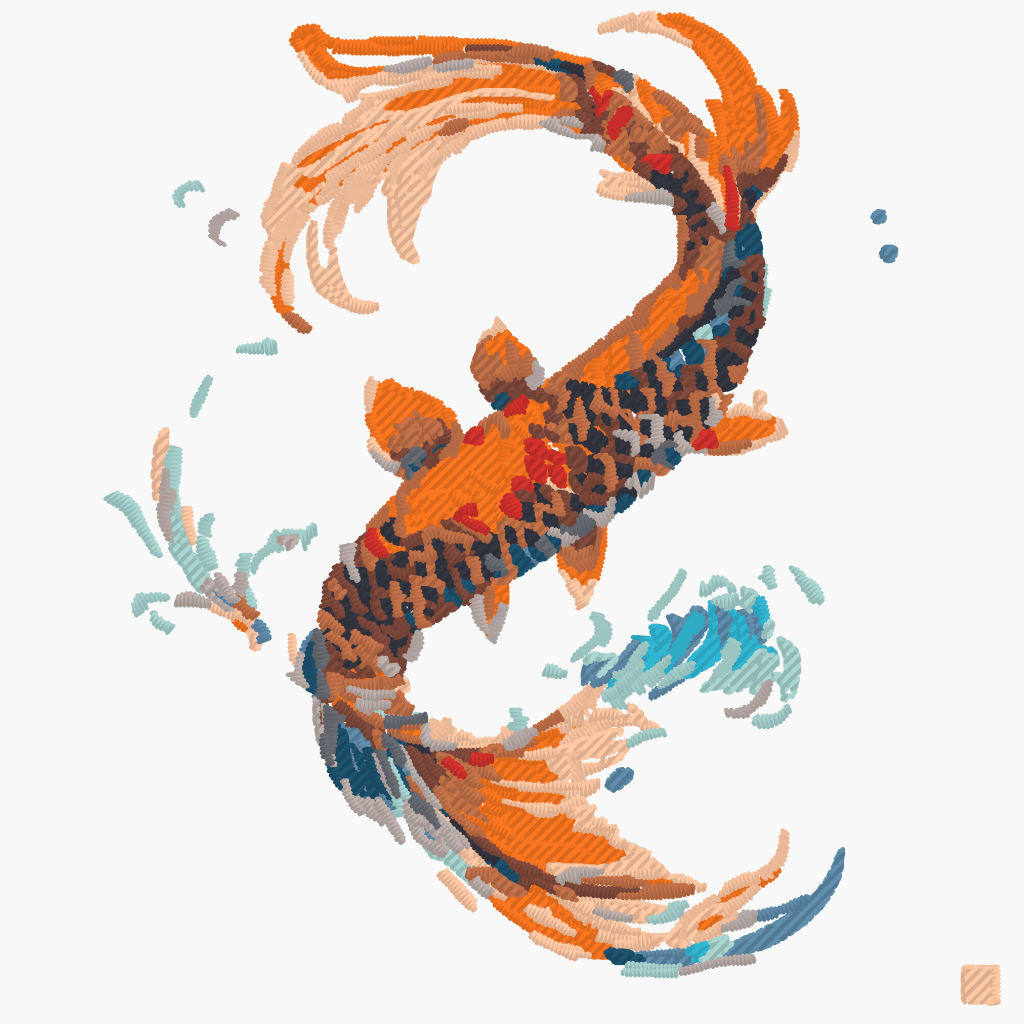
Tatami anti-rail fill
On large areas, needle penetrations line up into visible columns — "rails". Tatami staggers each hatch row to scatter them, just like professional digitizing software.
- Stitches are offset row after row: no more columns
- Always on — no option to understand
- Render, density and coverage stay identical
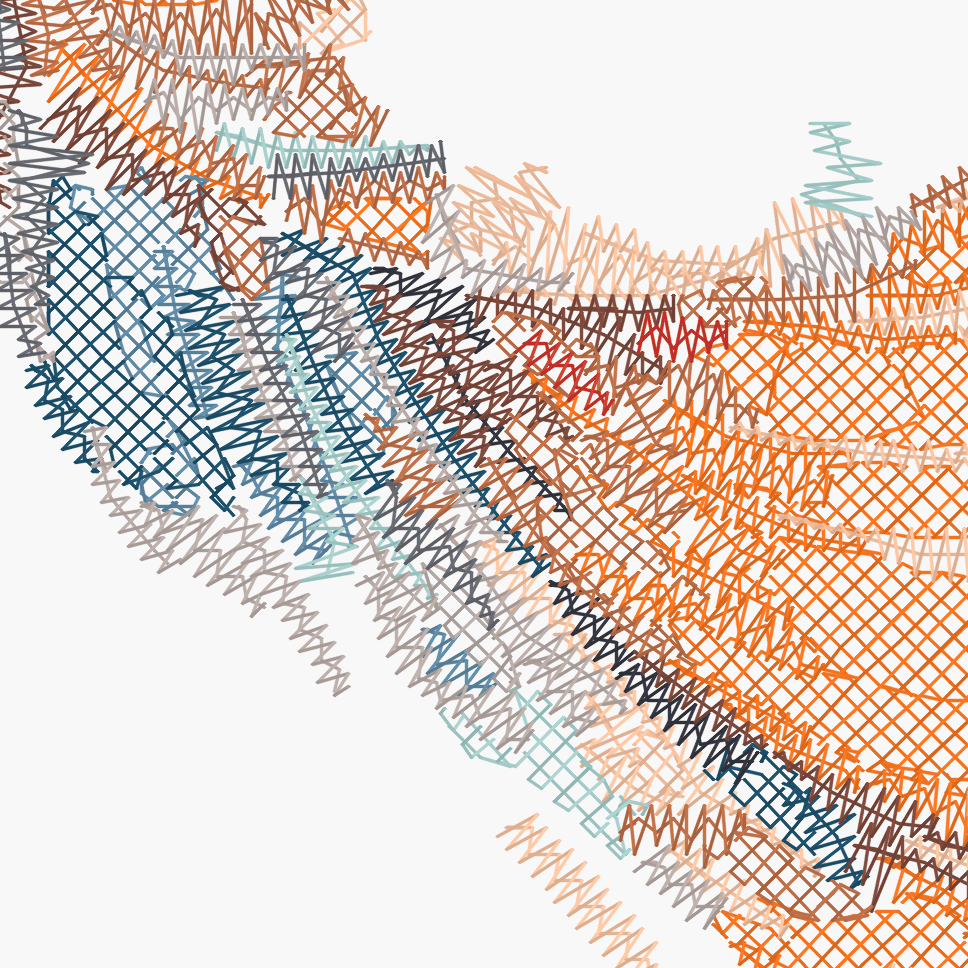
Satin stitch for fine details
Outlines, logo lines, lettering: narrow strokes are embroidered as satin columns — a bounded zigzag whose width follows the stroke, with automatic underlay and pull compensation.
- Tight zigzag on thin strokes (up to 0.85 mm wide)
- Graduated underlay and pull compensation included
- Full, crisp lines with no visible hatching
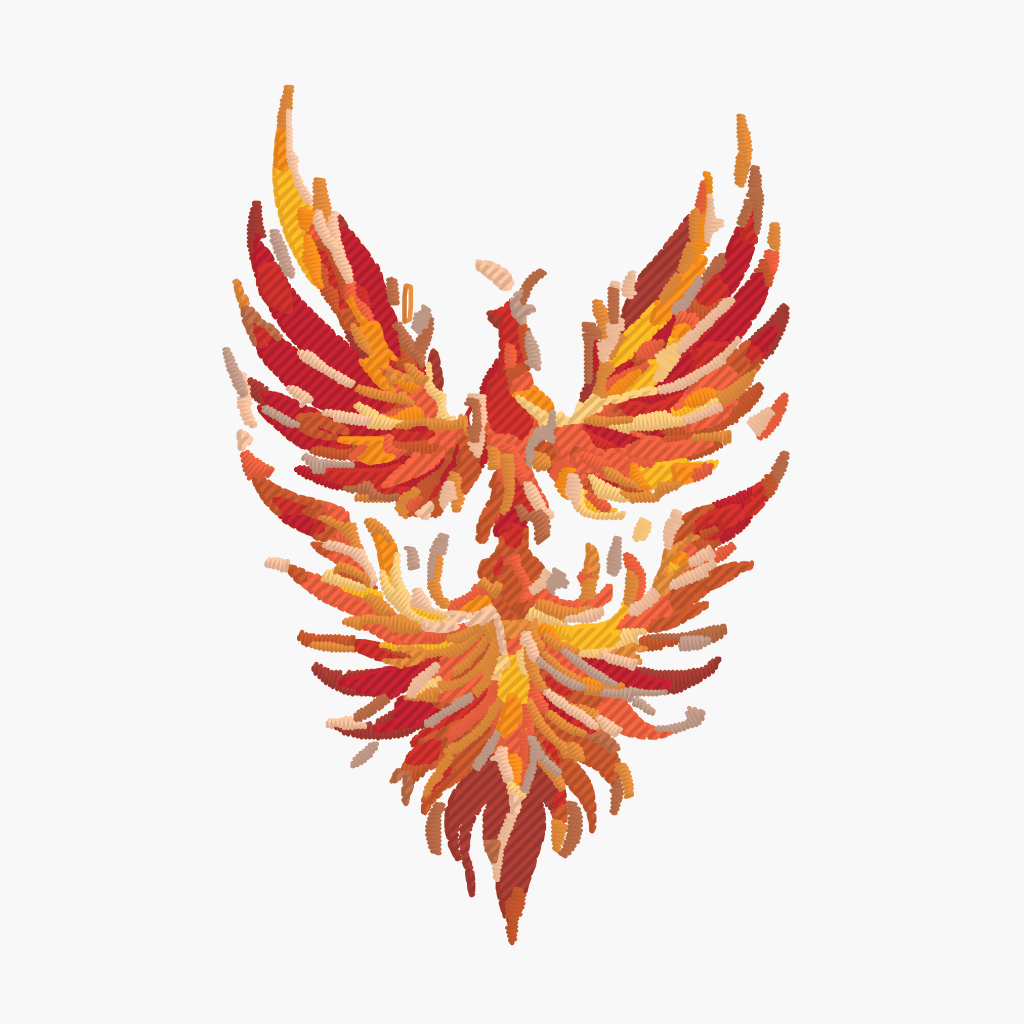
Underlay and cross-hatching
A sparse perpendicular pass stabilizes the fabric before the fill; a second pass at 90° densifies coverage without directional striping.
- A light underlay, perpendicular to the fill
- Two crossed passes for full coverage
- Density adjustable to a tenth of a millimeter
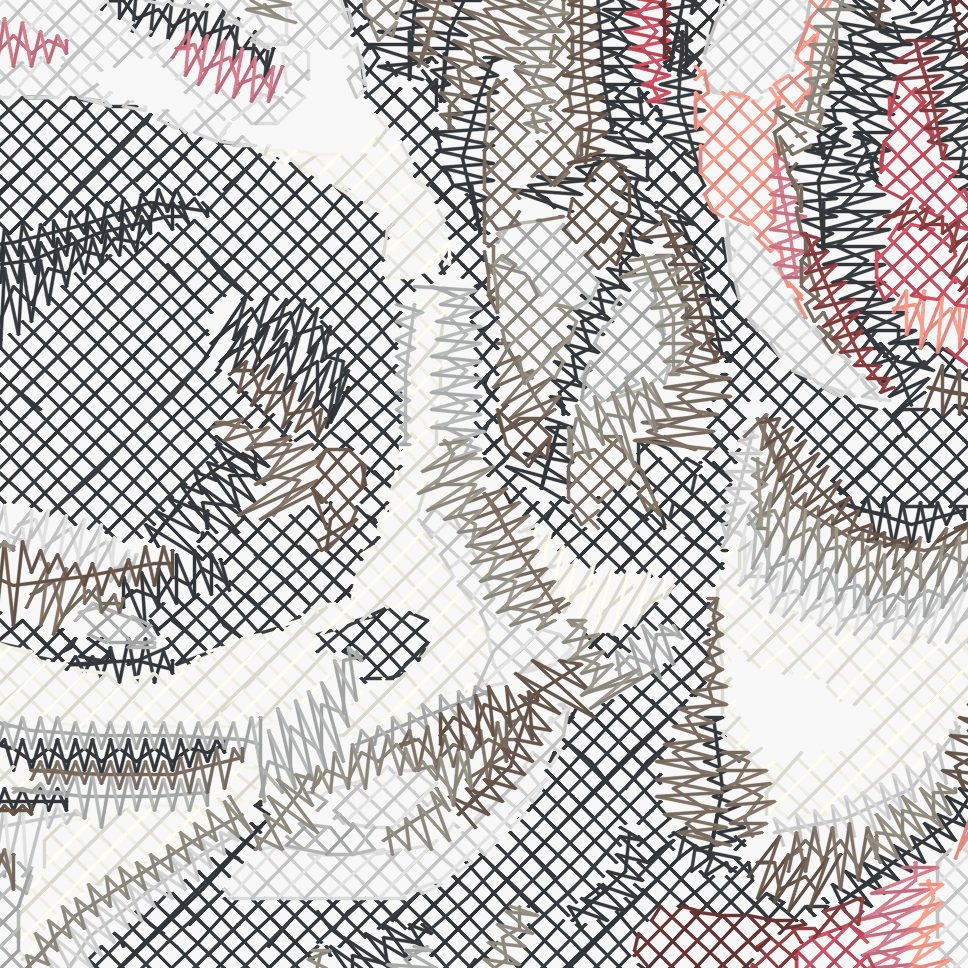
Automatic hatch angle
Each shape gets the angle that follows its main axis: the fill follows the motif instead of crossing it uniformly.
- Each shape is analyzed to find its natural direction
- Clean, consistent directions from one shape to the next
- A uniform angle for the whole design is also possible
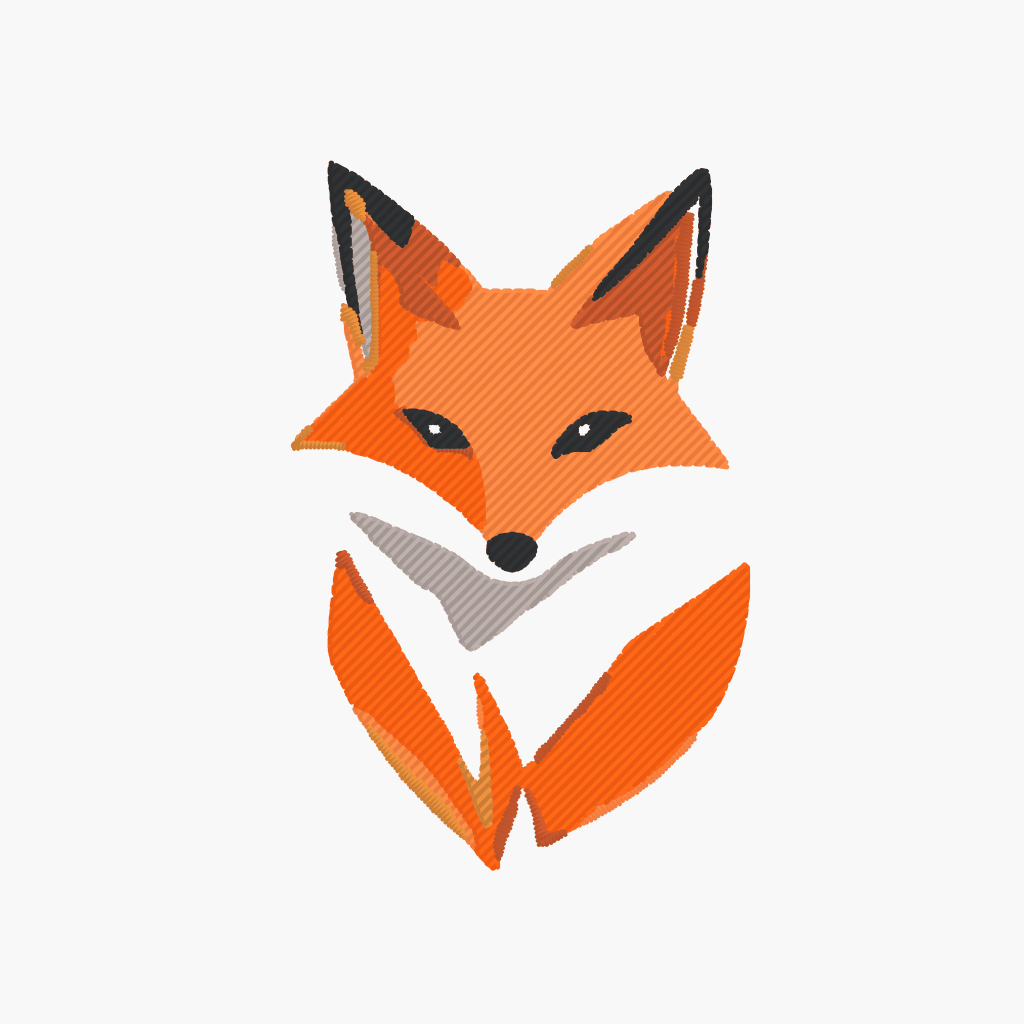
Holes and overlaps resolved
Counter-shapes (the center of an O, an A) are true holes — thread never crosses them. Covered areas are stitched only once: no double thickness.
- Letters and hollow motifs keep true holes
- Whatever is covered is never stitched twice
- Fully hidden shapes are skipped
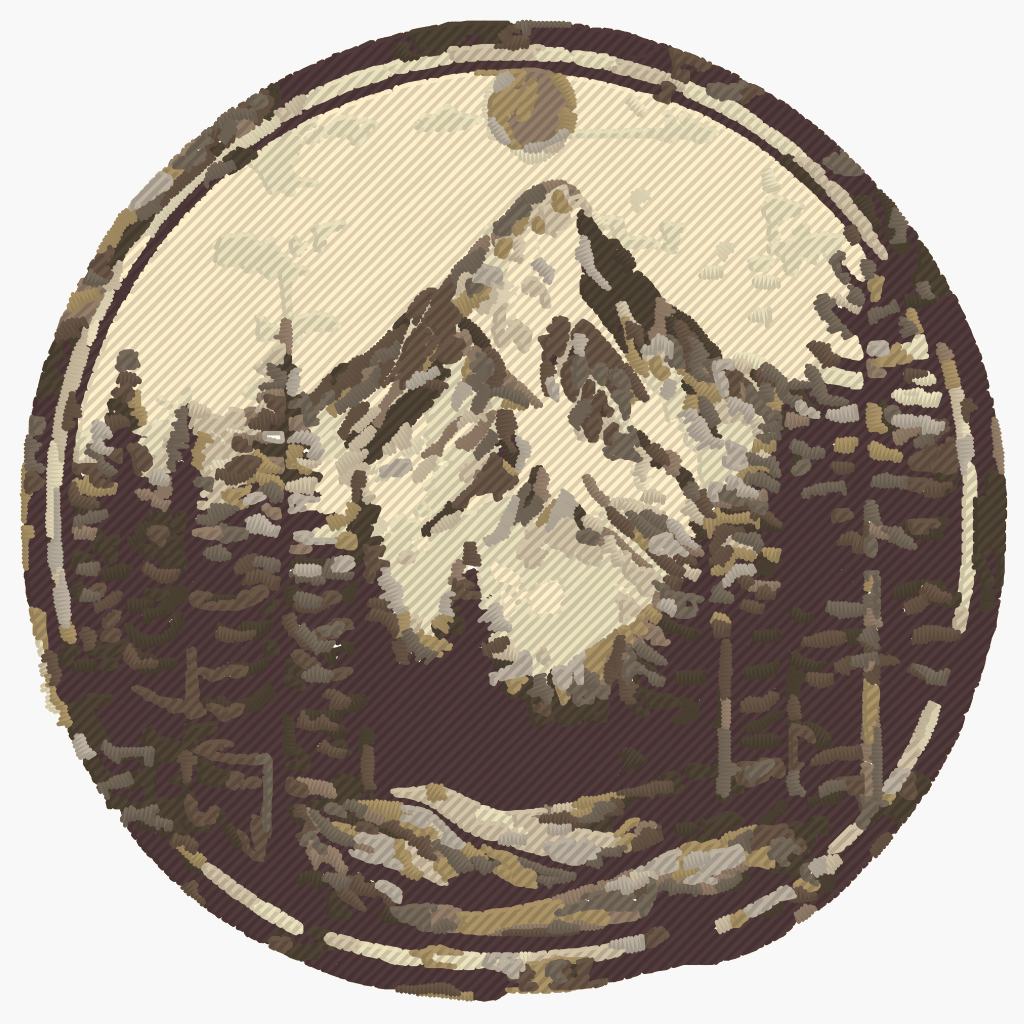
Automatic thread trimming
Thread is cut between distant areas: no floating threads to trim by hand between letters, spokes or disjoint zones.
- Automatic trim as soon as two areas are far apart
- Very short travels stay connected — industry standard
- VP3: full trimming available as an option
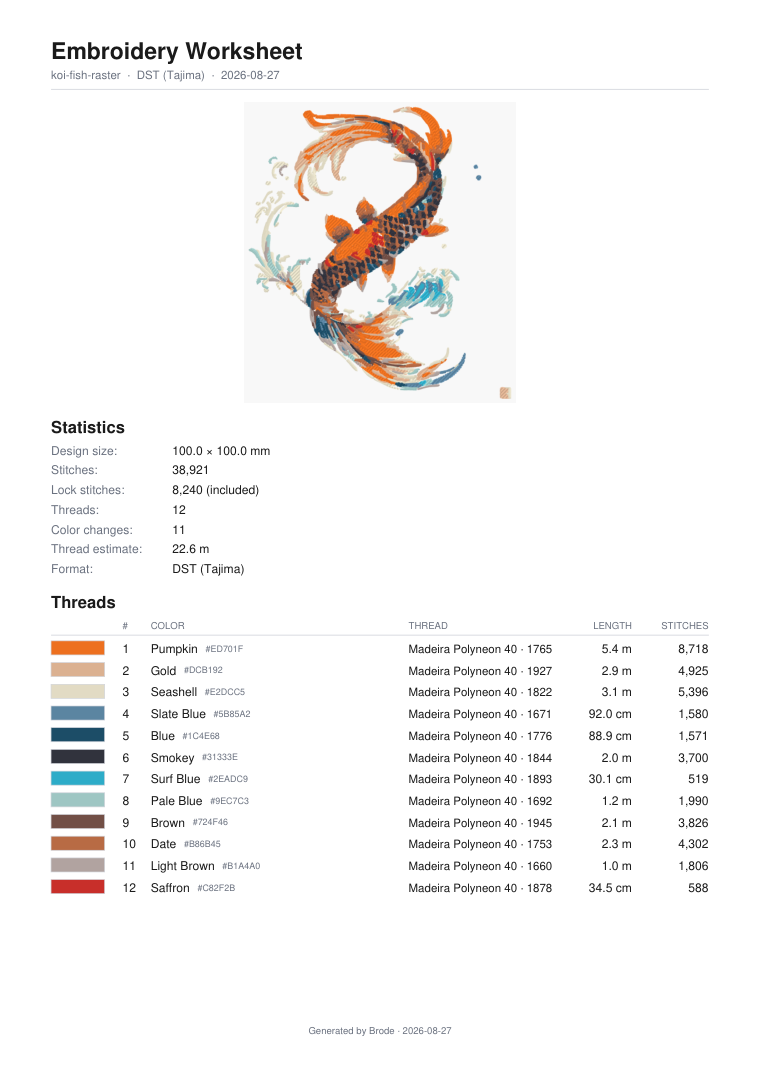
PDF worksheet included
Every embroidery conversion generates a worksheet: stitch-out preview, dimensions, stitch count, thread length and palette in sewing order with Madeira codes.
- Thread palette in sewing order, catalog codes
- Dimensions, stitches and thread length per color
- DST, EXP and U01 don't store colors: the worksheet is the reference
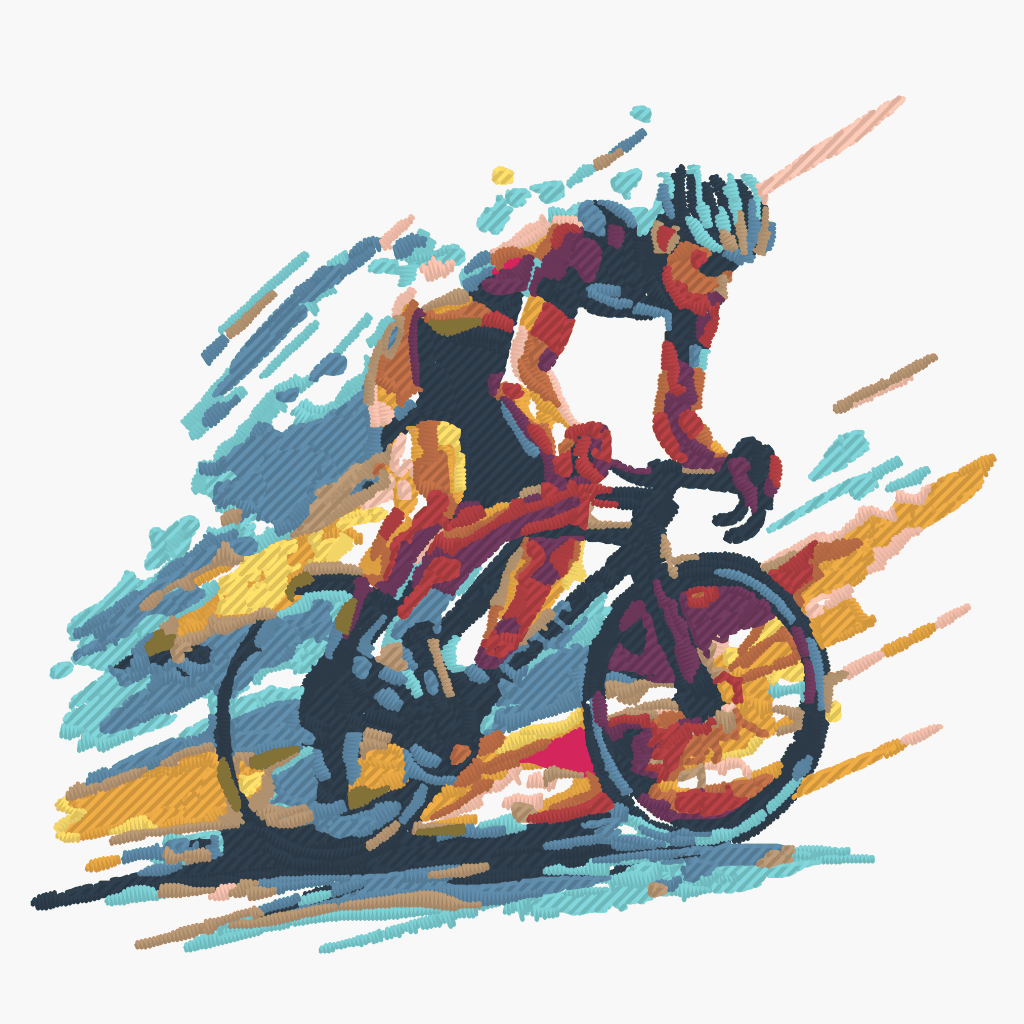
Geometry that works for you
Technical decisions are made automatically, with explicit escape hatches whenever you want control back.
Image analysis
Low resolution, noise, background: the image is qualified before any processing.
Size adaptation
Settings recalibrate for small images — the same relative stylization.
Deduplication and merging
Redundant paths merged, twin hues grouped: lighter files.
Optional symmetry
Half a logo is enough: exact mirroring rebuilds the other half.
Eleven output formats
Four vector formats and seven machine formats — one and the same design, no reconversion.
Vector
- SVGWeb vector
- PDFPortable document
- EPSPro DTP
- DXFCutting & CAD
Machine embroidery
- DSTTajima
- PESBrother · Babylock
- JEFJanome · Elna
- VP3Pfaff · Husqvarna
- EXPMelco · Bernina
- U01Barudan
- XXXSinger
Exact colors travel in VP3. PES and JEF map each shade to the nearest machine thread; DST, EXP and U01 don't carry colors reliably — the technical worksheet is the reference.
Built for the workshop
From first try to production runs, the tools follow the embroiderer's actual work.
Batch conversion
Several images in one upload, one machine file per image.
History
Find and re-download your past conversions.
Advanced settings
Density, angle, hoop size, underlay, background… all exposed.
Worksheet with every design
The PDF technical worksheet ships with every machine file.
Brode versus the alternatives
A manual digitizer is still unbeatable for some pieces — but for a logo, a badge or a mascot, the difference is measured in hours and euros.
| Criterion | Brode | Manual digitizer | Free tools |
|---|---|---|---|
| Render quality | Clean vectors · computed threads (tatami, satin, underlay) | The trade's benchmark | Basic, often needs rework |
| Price | Machine file from €0.80 | €5–15 per design | €0 |
| Turnaround | A few minutes | 24–48 h | Immediate |
| Machine file | 7 formats, ready to stitch | Pro file | SVG only |
| Holes and overlaps | Resolved automatically | Yes (by hand) | No |
| Technical worksheet | PDF included | Sometimes | No |
| Settings | Density, angle, hoop… | All, manually | None |
Ready to vectorize your first image?
Create an account: 5 vectorizations per month and unlimited embroidery previews. No credit card required.
Get started now