
Convert an image to embroidery
PNG, JPG, WebP, GIF, BMP or SVG: drop an image, get an embroidery file in your machine's format — with a preview that sews the design stitch by stitch before you run it.
- Unlimited embroidery previews
- No credit card required
- 7 machine formats: DST, PES, JEF, VP3…
An embroidery machine doesn't "see" images: it executes a needle trajectory recorded in a DST, PES, JEF or VP3 file. Converting an image to embroidery ("digitizing") means turning pixels into zones filled with calibrated stitches — density that doesn't pierce the fabric, underlay that stabilizes, satin for letters and columns. That's what the Brode engine does, in a few minutes.
A real embroidery file, stitch by stitch
Every example below is an actual conversion made by the Brode engine. Drag the handle: the source image on the left, the thread render of the downloaded machine file on the right.
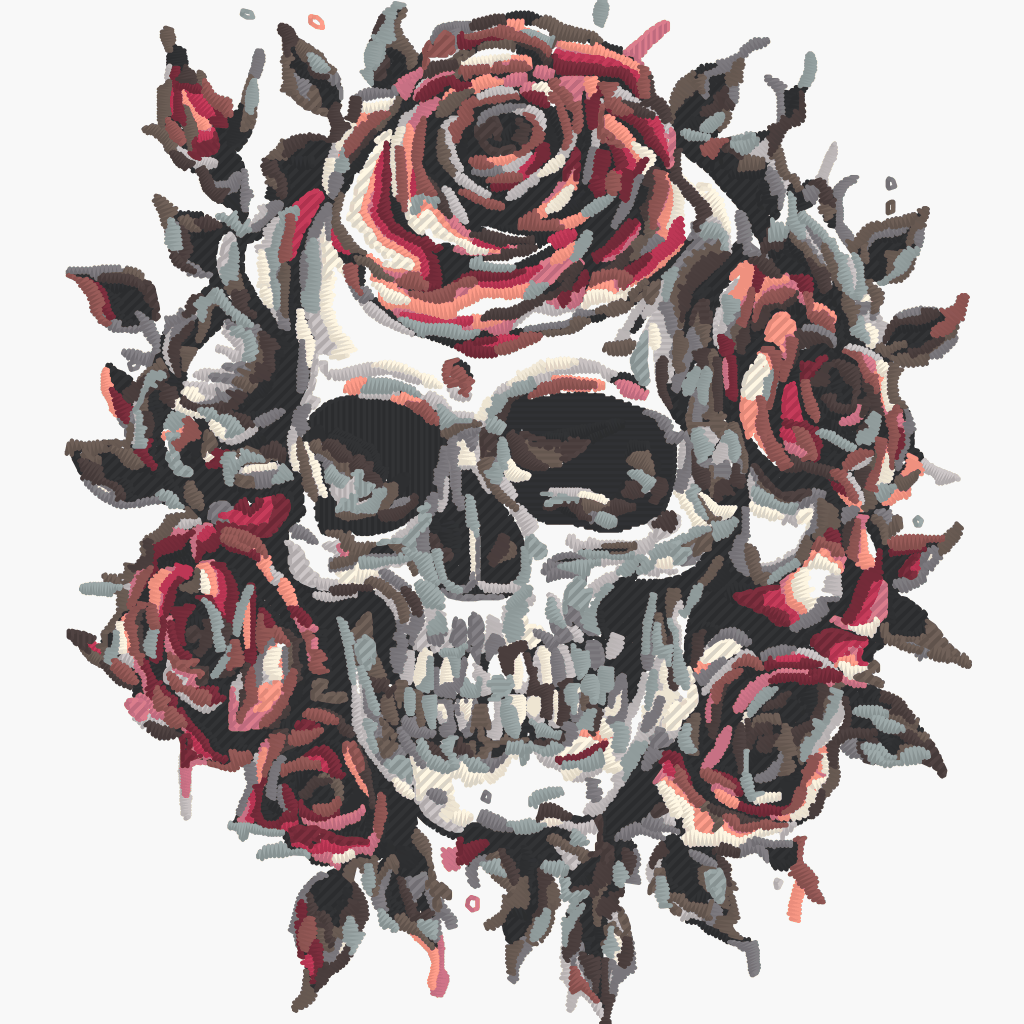 Machine file
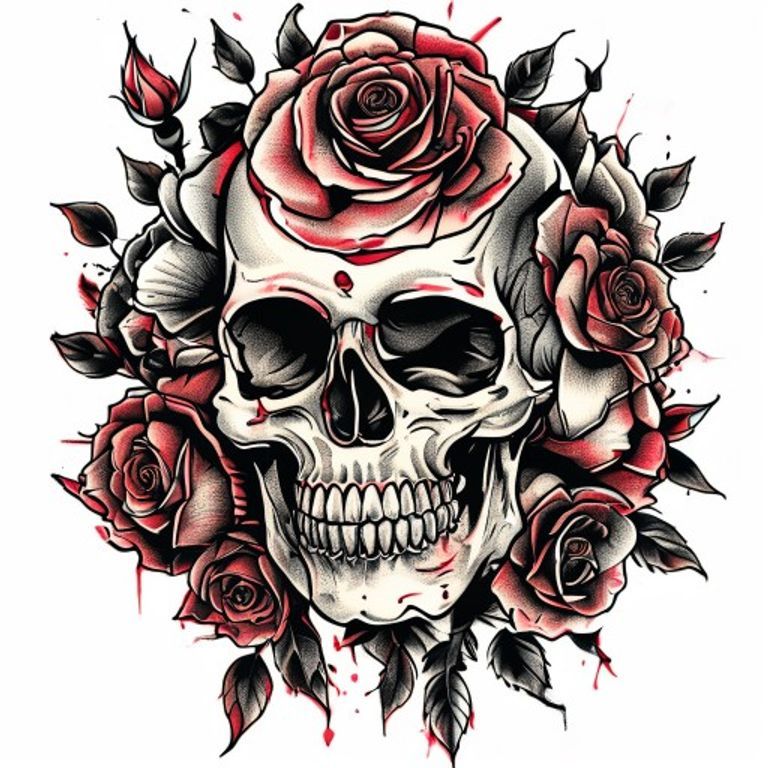 Source image
Stitch render of the machine file generated by Brode — same densities, underlay and threads as the downloaded file.
Watch the file sew
The simulator replays the exact needle trajectory of the embroidery file file above — precisely what your machine will read.
- 1
Drop your image
PNG, JPG, WebP, GIF, BMP, TIFF or SVG: drag it into the conversion area. A free account is all you need — no credit card.
- 2
Pick a detail level
Five cleanup levels (from faithful to minimal) tune colors and path fineness. Machine settings — density, angle, underlay — are already calibrated.
- 3
Download in your machine's format
DST, PES, JEF, VP3, EXP, U01 or XXX — the exact format your machine reads, with a thread render preview.
One format per machine brand
Every manufacturer has its own file format. Brode outputs all seven common machine formats: convert once, download in your machine's format.
| Format | Machines |
|---|---|
| DST | Tajima and most industrial machines — the universal exchange format |
| PES | Brother, Baby Lock, Bernina Deco |
| JEF | Janome, Elna, Kenmore |
| VP3 | Pfaff, Husqvarna Viking |
| EXP | Melco, Bernina |
| U01 | Barudan |
| XXX | Singer |
An image that embroiders well
A few habits set up a successful conversion, whatever the starting image.
- Logos and designs in solid colors embroider better than photos.
- At least 1000 px wide; below that, automatic upscaling helps but doesn't replace a sharp original.
- 4 to 12 colors: every extra shade adds a thread change.
- A design 8 to 12 cm across shows more detail than a tiny motif.
- Always test on a fabric scrap before the final piece.
Unlimited embroidery previews, no credit card
Create a free account in 30 seconds: free, unlimited embroidery previews (full stitch simulation), 5 vectorizations per month. The machine file unlocks at download, from €1.98.
Convert my imageA few minutes per conversion — sewing preview included.
Which image formats are accepted as input?
PNG, JPG, WebP, GIF, BMP, TIFF and SVG. What matters for quality: sharpness, contrast and a reasonable color count (4 to 12).
Photos, logos, drawings — does everything convert?
Logos and designs in solid colors embroider best. Photos convert too — gradients are reduced to thread color blocks, at the cost of realism.
What image resolution should I aim for?
At least 1000 px wide for the design. Below that, automatic upscaling helps, but a sharp original remains the best guarantee.
Should I crop the image first?
Not required: the conversion works on the whole design. A tight crop on the subject just makes the final size easier to choose.
Does a photo convert well to embroidery?
Logos and designs in solid colors give the best results. Photos convert too: gradients are reduced to blocks of thread colors, at the cost of realism.
What design size should I aim for?
8 to 12 cm wide nearly always embroiders better than a tiny motif: below that, fine details disappear and letters fill in.
Do I need software to use the file?
No: copied to a USB stick, the file is read directly by the machine. Software is only for viewing or editing the design.
How does the free offer work?
A free account is enough, no credit card: every month, 5 vectorizations (SVG, PDF, EPS, DXF) and unlimited embroidery previews (DST, PES, JEF, VP3…). The machine file downloads from €1.98.
Tools and guides
Stitch simulator
Drop any embroidery file and watch it sew stitch by stitch — free, no account.
Try the simulatorConverting a PNG to DST: the guide
Formats, stitch density, mistakes to avoid — the complete guide to embroidery conversion.
Read the guideEmbroidery formats by brand
DST, PES, JEF, VP3: which machine reads which format, brand by brand.
Read the guideOther conversions
PNG → PES, JPG → DST, image → embroidery… all the Brode converter pages.
See all conversionsAlready have an embroidery file?
DST to PES, PES to JEF… the embroidery format converter rewrites an existing file for another machine — free, no account.
Ready to convert your first image?
5 free vectorizations every month and unlimited embroidery previews. No credit card required.