
Convert a PNG to SVG
Drop your PNG, get a clean vector: quantized colors, noise removed, curves that stay sharp at any size — with PDF, EPS and DXF in the same conversion.
- 5 free vectorizations per month
- No credit card required
- SVG, PDF, EPS and DXF
Vectorizing a PNG isn't "tracing the pixels": it's deciding what is a shape, a color, noise. The engine cleans the image, reduces colors through perceptual quantization, then rebuilds each zone as curves — an SVG you can scale forever, from icon to banner.
A real SVG, curve by curve
Every example below is an actual conversion. Drag the handle: the source image on the left, the rendered vector download on the right.
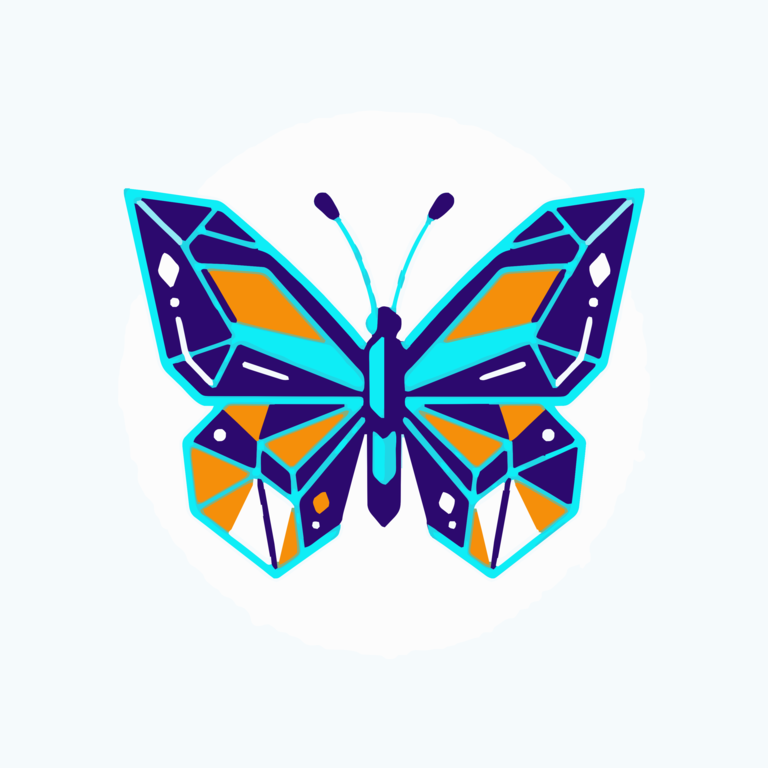 SVG vector
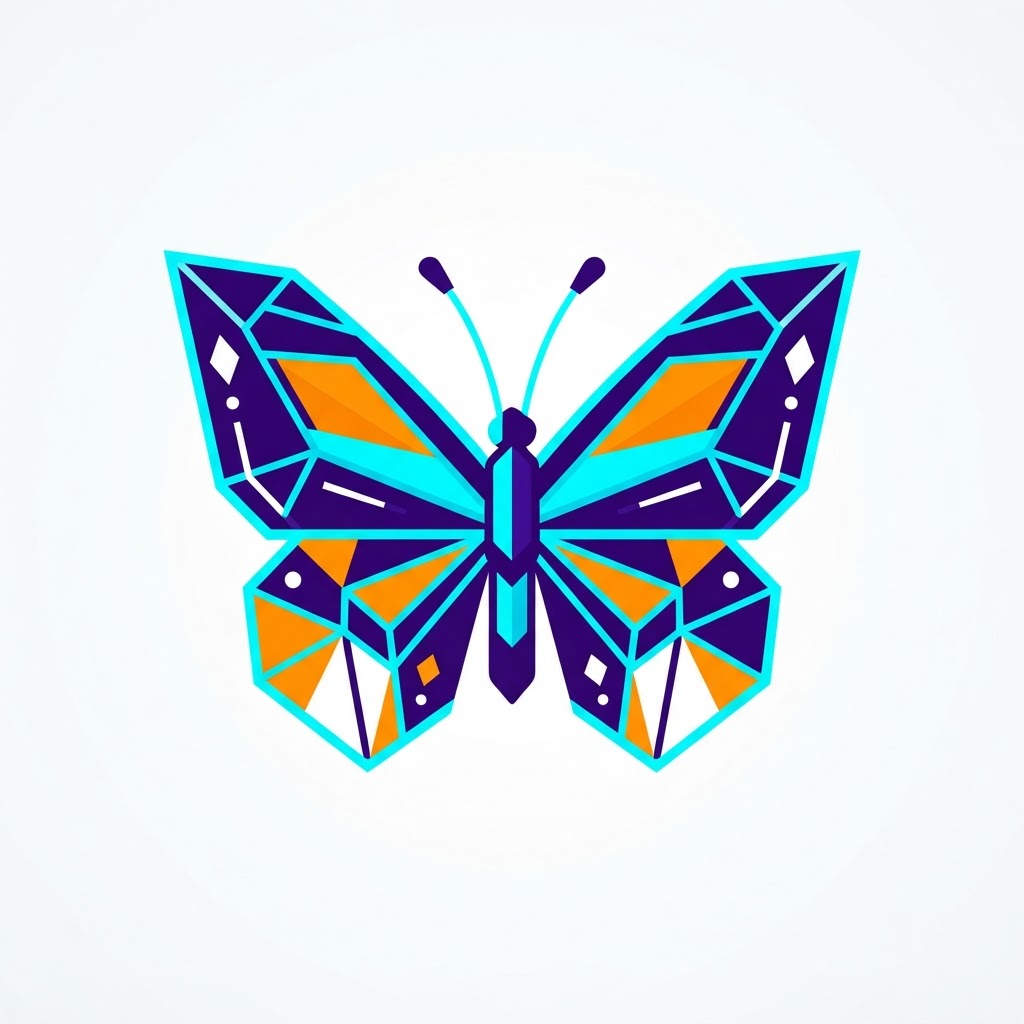 Source image
Render of the vector file generated by Brode — quantized colors and curves from the downloaded file.
- 1
Drop your PNG
Drag your image into the conversion area. A free account is all you need — no credit card.
- 2
Pick a detail level
Five cleanup levels tune the color count and path fineness before vectorization.
- 3
Download your SVG
Get a clean, lightweight vector — PDF, EPS and DXF come out of the same conversion.
SVG, and the other vector formats
SVG opens everywhere — browsers, Illustrator, Inkscape, cutting machines. Need another format? The conversion outputs all four:
| SVG | Web, Illustrator, Inkscape, vinyl cutting |
| Printing, client sharing, layout | |
| EPS | Classic DTP, workshop exchange |
| DXF | CNC cutting, laser, AutoCAD |
A PNG that vectorizes well
PNG is the best possible source for vectorization: lossless, transparent background handled.
- Aim for at least 1000 px wide: vectorization cannot invent missing detail.
- Flatten gradients before converting: a flat area becomes one clean shape, a gradient dozens of paths.
- Clean up spots and noise: the vectorizer traces everything it sees.
- Well-separated, solid colors give crisp curves.
- Low-resolution image? It's detected and upscaled automatically before vectorization.
5 vectorizations per month, no credit card
Create a free account in 30 seconds: every month you get 5 vectorizations, and embroidery previews are unlimited — no commitment.
Vectorize my image≈ 1 minute per conversion — SVG, PDF, EPS and DXF included.
Does the SVG stay sharp when enlarged?
Yes — that's the principle of vector: curves recompute at any size, no pixelation. Final quality depends on the source PNG.
Can I get a PDF or DXF too?
Yes: the conversion outputs SVG, PDF, EPS and DXF. DXF serves CNC and laser cutting, PDF sharing and printing.
My PNG has a transparent background — how is that handled?
Transparency is preserved as-is: transparent areas are neither embroidered nor vectorized. No need to cut out the image before converting.
How many colors for a good result?
4 to 12 colors give the best fidelity-to-simplicity ratio. Beyond that, every shade adds a thread change in embroidery or dozens of paths in vector output.
Does the SVG stay sharp at any size?
Yes — that's the point of vector: curves recompute at every scale, no pixelation. Final sharpness depends on the source image quality.
Is the SVG output lightweight?
Yes: cleanup and color quantization before vectorization avoid files with thousands of paths — and a more minimal level trims it further.
What about vinyl or CNC cutting?
The SVG and DXF outputs suit cutting machines; DXF remains the standard for laser and CNC cutting.
How does the free offer work?
A free account is enough, no credit card: every month, 5 vectorizations (SVG, PDF, EPS, DXF) and unlimited embroidery previews (DST, PES, JEF, VP3…). The machine file downloads from €1.98.
Tools and guides
Stitch simulator
Drop any embroidery file and watch it sew stitch by stitch — free, no account.
Try the simulatorSVG, PDF, EPS, DXF: the guide
Choosing the right vector format for the job — web, print, cutting.
Read the guideThe limits of free vectorizers
An honest survey of free tools — and what they don't do.
Read the guideOther conversions
PNG → PES, JPG → DST, image → embroidery… all the Brode converter pages.
See all conversionsAlready have an embroidery file?
DST to PES, PES to JEF… the embroidery format converter rewrites an existing file for another machine — free, no account.
Ready to convert your first image?
5 free vectorizations every month and unlimited embroidery previews. No credit card required.