It's the most common beginner question: "which file does MY machine need?" This guide summarizes the mapping between brands and embroidery formats, and which format to pick when you have a choice.
Brand ↔ format mapping
- Brother, Babylock: PES (and DST on many recent models).
- Janome, Elna, Kenmore: JEF (and SEW for older models).
- Husqvarna Viking, Pfaff: VP3 (and VIP, VP4 depending on generation).
- Bernina: EXP (and ART for the old proprietary format).
- Singer: XXX on recent machines.
- Barudan: U01 (industrial disk/memory files).
- Commercial Tajima, SWF machines, and most software: DST, the most universal format.
What an embroidery file actually contains
An embroidery file is not an image: it's an ordered list of stitches (coordinates in tenths of a millimeter), jumps, thread trims and color changes. The difference between formats is mostly how this information is encoded, plus metadata (file name — often limited to 8 characters in DST —, colors, hoop placement).
Practical consequence: the same design converted to PES and DST stitches out identically on two compatible machines, provided the conversion preserved the stitch sequence.
When in doubt: choose DST
The DST format, created by Tajima, is the industry's common denominator. It doesn't store color names (the machine substitutes its own palette), but almost everything accepts it: commercial machines, recent domestic machines, embroidery software. If you share files across several machines or with clients, DST is the right choice.
Generate every format in one go
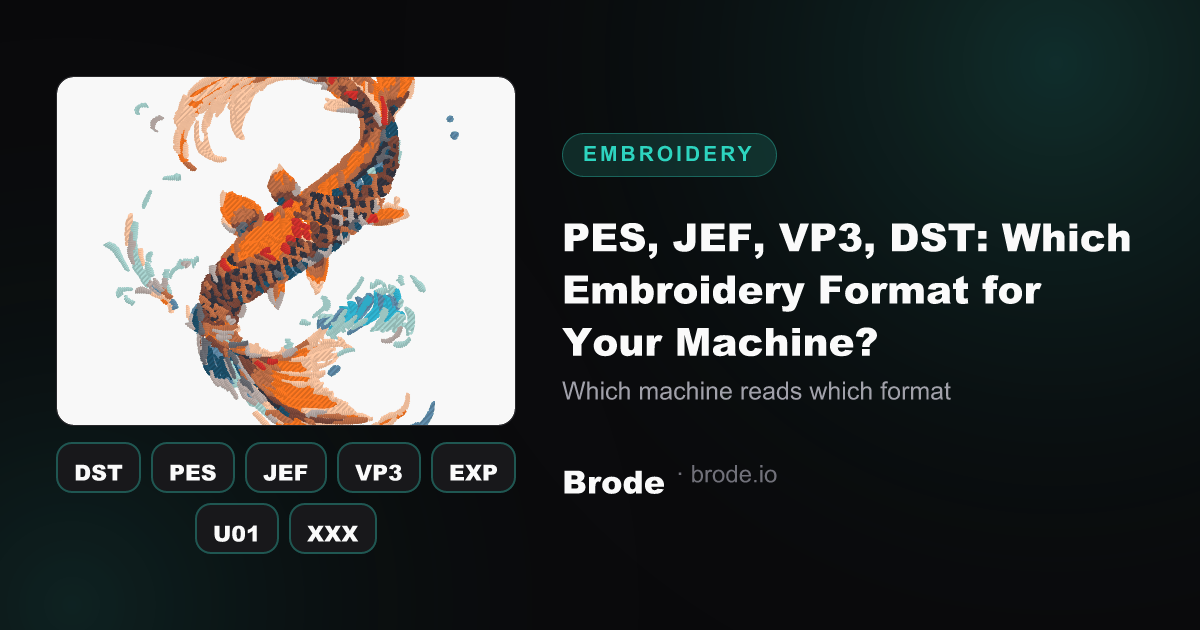
Brode exports each conversion as DST, PES, JEF, VP3, EXP, U01 and XXX simultaneously: no need to know your format in advance — download the one matching your machine (and keep the others for a future machine). For the full process, follow the PNG to DST guide. Files are generated with the same stitch settings — density, underlay, fill angles — regardless of the target brand.
And to convert an image into any of these formats: the image → embroidery page.