
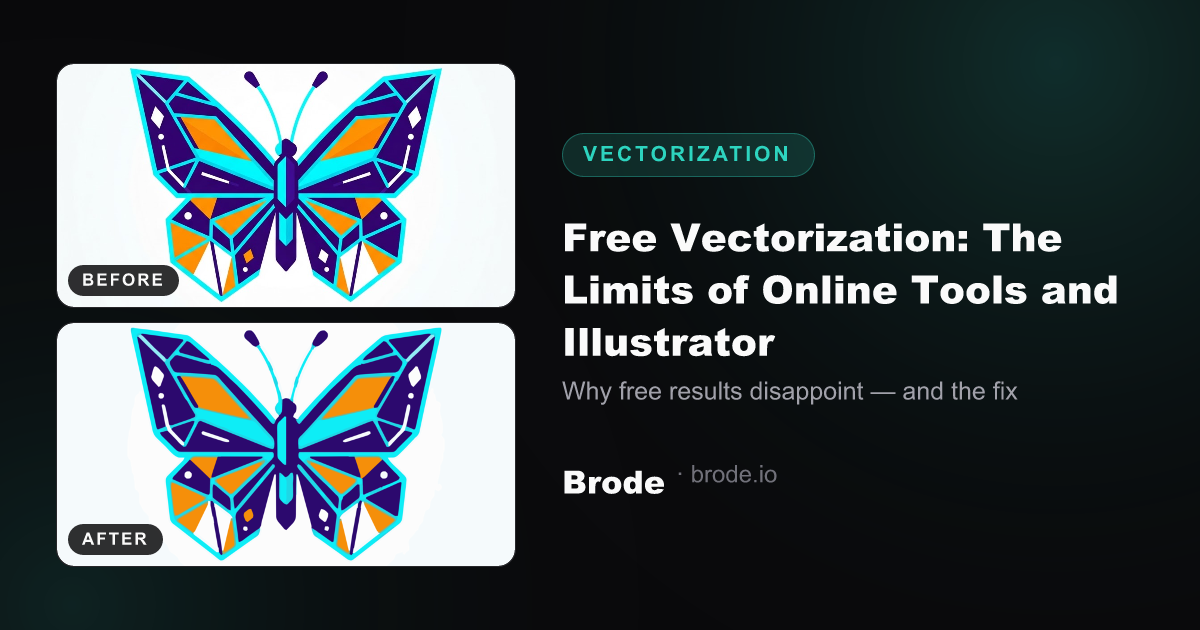
Everyone's been there: you paste a PNG logo into a free "image to SVG" converter and get back a 4 MB file full of gray speckles and angular curves. Here's why free tools almost always disappoint — and what separates real vectorization.
The core issue: vectorizing isn't guessing
A raster image contains artifacts a naive tool faithfully reproduces: JPEG compression noise, anti-aliasing halftones on edges, gradients, drop shadows. A basic vectorizer turns every pixel region into a shape — including the noise. Result: an SVG heavier than the original PNG, unusable for print or cutting. And if your source is tiny, start with fixing a pixelated logo.
What each tool does (badly) for free
- Free online converters: 2–3 image quota, limited resolution, one trace mode, sometimes a watermark. No control over color count or smoothing.
- Illustrator Image Trace: powerful but manual — you iterate settings (threshold, paths, corners) image by image; color mode generates dozens of stacked shapes.
- Inkscape (bitmap trace): free and local, but the same raw technical settings, no noise cleanup, often broken curves at corners.
- Potrace (the engine behind many tools): excellent for pure black-and-white, but single color — useless for a color logo.
What quality vectorization adds
- Denoising BEFORE tracing: removing JPEG noise and anti-aliasing for crisp edges.
- Controlled color reduction (K-Means quantization): 4–12 clean colors instead of 300 speckles.
- Curve smoothing that preserves real corners (logos have right angles that must stay right).
- Shape merging and simplification: the file stays light and editable in Illustrator, Inkscape, Affinity.
- Multi-format output: SVG for the web, PDF/EPS for the printer, DXF for cutting (laser, vinyl, CNC).
The foolproof test: open the resulting SVG and zoom to 800%. A good file keeps sharp edges and smooth curves; a bad one reveals speckles, stair-steps and parasitic shapes.
The Brode solution
Brode runs a complete pipeline — denoising, color quantization, vectorization with per-preset settings (faithful, balanced, minimal, designer…), SVG/PDF/EPS/DXF export — automatically, in a few minutes. The free plan includes monthly conversions, no watermark, so you can judge on your own files.
Free trial without a card: the JPG → vector converter page.