
Convert a JPG to vector
From JPG to clean vector: denoising removes compression artifacts, quantization reduces colors, and you get an SVG — or PDF, EPS, DXF — sharp at any size.
- 5 free vectorizations per month
- No credit card required
- SVG, PDF, EPS and DXF
A JPG is never "clean": compression leaves blocks and noise around contours. So vectorization starts with denoising, then reduces colors into faithful flats and rebuilds shapes as curves — the result resizes without loss, for print, cutting or the web.
A real vector, curve by curve
Every example below is an actual conversion. Drag the handle: the source image on the left, the rendered vector download on the right.
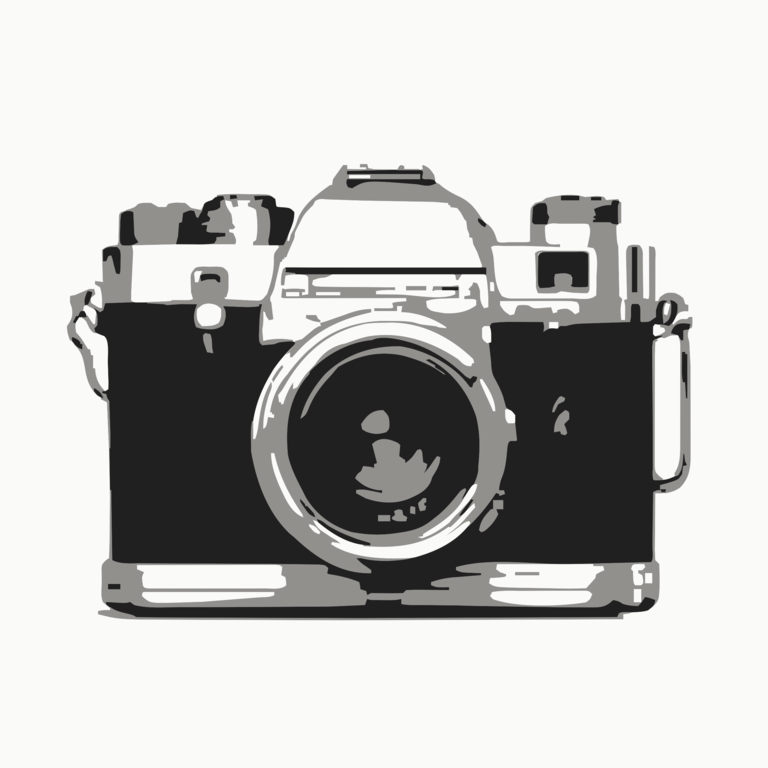 Vector
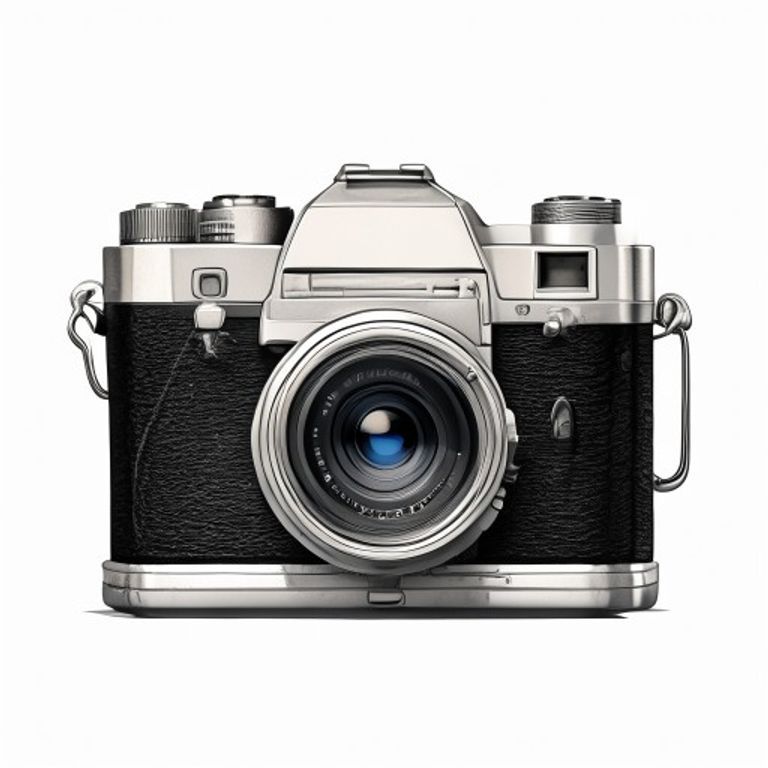 Source image
Render of the vector file generated by Brode — quantized colors and curves from the downloaded file.
- 1
Drop your image
Drag your image into the conversion area. A free account is all you need — no credit card.
- 2
Pick a detail level
Five cleanup levels tune the color count and path fineness before vectorization.
- 3
Download in the format you need
SVG for the web, PDF for print, EPS for DTP, DXF for cutting — all produced in the same conversion.
SVG, PDF, EPS, DXF: the right format for each use
All four common vector formats come out of the same conversion — pick by use case:
| SVG | Web, Illustrator, Inkscape, vinyl cutting |
| Printing, client sharing, layout | |
| EPS | Classic DTP, workshop exchange |
| DXF | CNC cutting, laser, AutoCAD |
A JPG that vectorizes well
JPG compression leaves blocks and noise — the engine cleans them, but the source matters.
- Maximum quality on export, at least 1000 px wide.
- Avoid repeated re-saves: compression piles up.
- A subject well separated from its background cuts apart cleanly.
- Flatten gradients: vectors prefer flat areas.
- If you have the original PNG, prefer it.
5 vectorizations per month, no credit card
Create a free account in 30 seconds: every month you get 5 vectorizations, and embroidery previews are unlimited — no commitment.
Vectorize my image≈ 1 minute per conversion — SVG, PDF, EPS and DXF included.
What's the difference between JPG and PNG for vectorizing?
PNG is lossless and handles transparency: it's the best source. A well-converted JPG also gives a good vector — the built-in denoising compensates for compression.
Does vectorizing a photo work?
For logos, drawings and designs, yes. A full photo vectorizes into "poster-style" flats — often beautiful, rarely photorealistic.
JPG or JPEG — same thing?
Yes: two file extensions for the same format, imported exactly the same way.
How do I avoid compression artifacts?
Start from the least-compressed file available (maximum quality on export) and at least 1000 px wide. The built-in denoising handles the rest.
What does vectorizing actually mean?
Going from a grid of pixels to mathematical curves: image cleanup, color reduction to flat areas, reconstruction of each zone as curves. The result: a file that scales without loss.
What's the difference between SVG, PDF, EPS and DXF?
SVG for the web and vinyl cutting, PDF for print and sharing, EPS for classic DTP, DXF for CNC and laser cutting. The content is the same — only the container changes.
Is upscaling included?
Yes: low-resolution images are detected and upscaled automatically before vectorization, for cleaner contours.
How does the free offer work?
A free account is enough, no credit card: every month, 5 vectorizations (SVG, PDF, EPS, DXF) and unlimited embroidery previews (DST, PES, JEF, VP3…). The machine file downloads from €1.98.
Tools and guides
Stitch simulator
Drop any embroidery file and watch it sew stitch by stitch — free, no account.
Try the simulatorSVG, PDF, EPS, DXF: the guide
Choosing the right vector format for the job — web, print, cutting.
Read the guideThe limits of free vectorizers
An honest survey of free tools — and what they don't do.
Read the guideOther conversions
PNG → PES, JPG → DST, image → embroidery… all the Brode converter pages.
See all conversionsAlready have an embroidery file?
DST to PES, PES to JEF… the embroidery format converter rewrites an existing file for another machine — free, no account.
Ready to convert your first image?
5 free vectorizations every month and unlimited embroidery previews. No credit card required.