
Convert a JPG to a PES file
Your JPG carries compression artifacts? The engine cleans them before converting to PES for Brother and Babylock machines — thread render preview included.
- Unlimited embroidery previews
- No credit card required
- Machine-ready file
JPG compresses the image with information loss: soft edges, speckles around letters, bleeding colors. The conversion starts by removing those artifacts, then quantizes colors into real threads before producing the PES — the file your Brother machine will read straight from a USB stick.
A real PES file, stitch by stitch
Every example below is an actual conversion made by the Brode engine. Drag the handle: the source image on the left, the thread render of the downloaded PES file on the right.
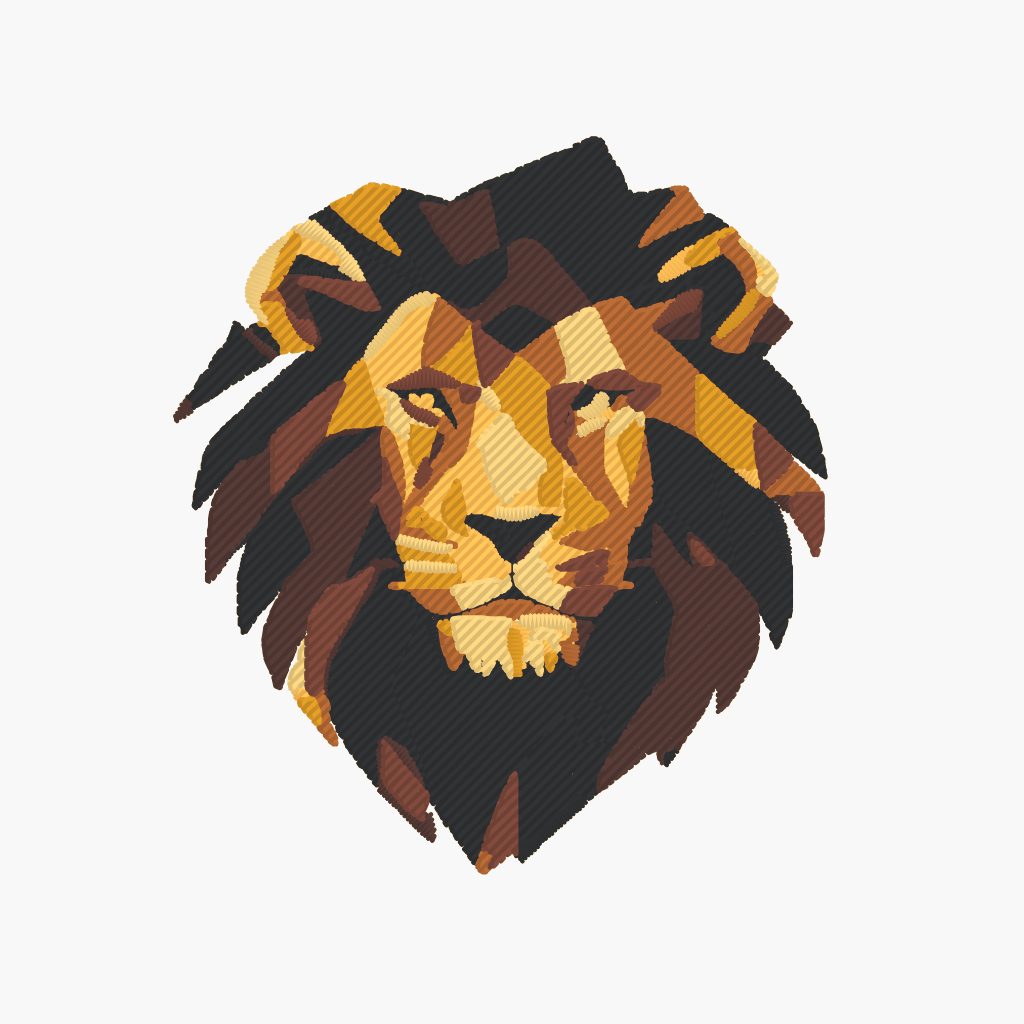 PES file
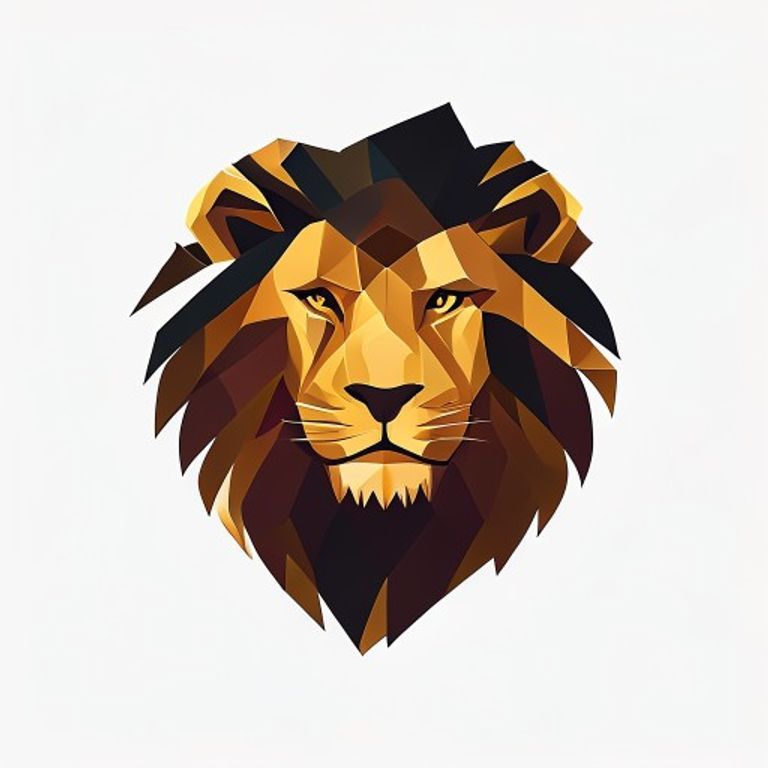 Source image
Stitch render of the machine file generated by Brode — same densities, underlay and threads as the downloaded file.
Watch the file sew
The simulator replays the exact needle trajectory of the PES file above — precisely what your machine will read.
- 1
Drop your JPG
Drag your image into the conversion area. A free account is all you need — no credit card.
- 2
Pick a detail level
Five cleanup levels (from faithful to minimal) tune colors and path fineness. Machine settings — density, angle, underlay — are already calibrated.
- 3
Download your PES
In a few minutes, get a machine-ready file — with a thread render preview before you stitch.
PES-compatible machines
PES is the format of domestic Brother and Babylock machines — the most common fleet among hobby embroiderers.
- Brother
- Babylock
- Bernina Deco
- Simplicity
Commercial machine (Tajima, Barudan…)? DST, the universal format, is available in the same conversion.
A JPG that embroiders well
JPG is lossy compression: a few precautions keep compression artifacts out of your stitches.
- Export at maximum quality: every JPG re-save adds artifacts.
- At least 1000 px wide for the design — jagged edges become uneven stitches.
- A plain, light background cleans up better than a busy one.
- 4 to 8 colors: every extra shade adds a thread change.
- If you have the original PNG, prefer it: it's the ideal source.
Unlimited embroidery previews, no credit card
Create a free account in 30 seconds: free, unlimited embroidery previews (full stitch simulation), 5 vectorizations per month. The machine file unlocks at download, from €1.98.
Convert my imageA few minutes per conversion — sewing preview included.
My JPG is heavily compressed — will the embroidery be clean?
The built-in denoising removes most JPEG artifacts. If the source file is truly degraded, start from the original PNG if you have it — that's the ideal format.
Does a phone JPG work?
Yes. Just check that the design is well framed and bright; a logo photographed against a busy background cleans up better if you flatten the background first.
JPG or JPEG — same thing?
Yes: two file extensions for the same format, imported exactly the same way.
How do I avoid compression artifacts?
Start from the least-compressed file available (maximum quality on export) and at least 1000 px wide. The built-in denoising handles the rest.
Which machines read PES?
Brother and Babylock machines — the most common domestic fleet — plus some Bernina Deco.
What's the difference between PES and DST?
PES is Brother's domestic format and carries colors; DST is the universal format for commercial machines. Both generate from the same image in one operation.
Can I get a DST too?
Yes: DST, JEF, VP3, EXP, U01 and XXX are available in the same conversion — handy for stitching the same design on different machines.
How does the free offer work?
A free account is enough, no credit card: every month, 5 vectorizations (SVG, PDF, EPS, DXF) and unlimited embroidery previews (DST, PES, JEF, VP3…). The machine file downloads from €1.98.
Tools and guides
Stitch simulator
Drop any embroidery file and watch it sew stitch by stitch — free, no account.
Try the simulatorConverting a PNG to DST: the guide
Formats, stitch density, mistakes to avoid — the complete guide to embroidery conversion.
Read the guideEmbroidery formats by brand
DST, PES, JEF, VP3: which machine reads which format, brand by brand.
Read the guideOther conversions
PNG → PES, JPG → DST, image → embroidery… all the Brode converter pages.
See all conversionsAlready have an embroidery file?
DST to PES, PES to JEF… the embroidery format converter rewrites an existing file for another machine — free, no account.
Ready to convert your first image?
5 free vectorizations every month and unlimited embroidery previews. No credit card required.